Import Code
Bring your code in and keep editing it with AI
Paste HTML or drop in a file, pick its stack and describe the changes you want. Your code becomes a project you can keep improving by chat.
How it works
Bring your code in, in three steps
No setup and nothing to install. Start in your browser.
- 01
Paste or drop your HTML
Paste a complete HTML page or drop in an .html file up to 2 MB.
- 02
Confirm the stack
The stack is detected from your code, such as Tailwind, React, Vue or Bootstrap. Change it if needed.
- 03
Edit it with AI
Describe the changes you want and see each new version in a live preview.
The workspace
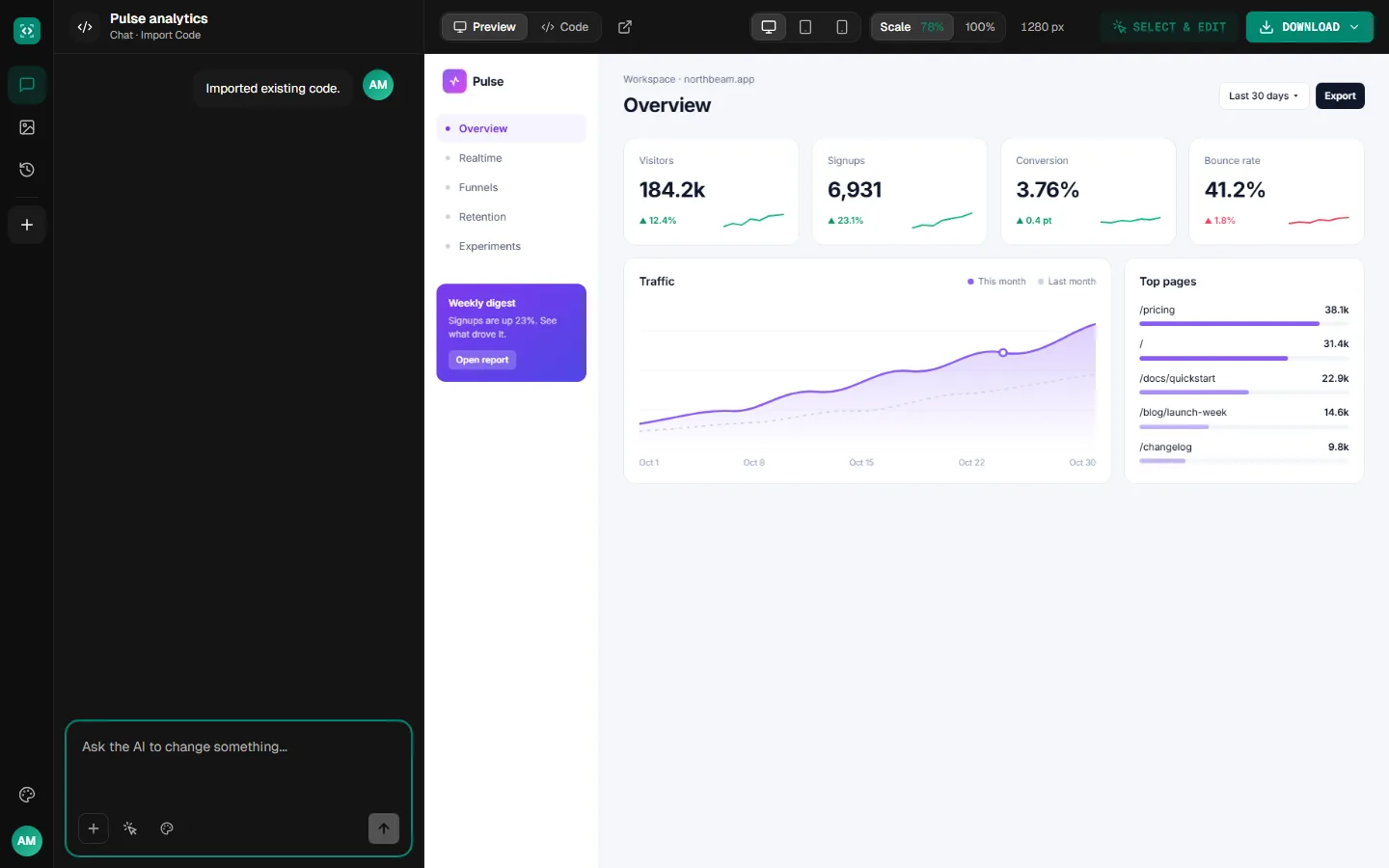
Your code, with a live preview
Your page opens in a live preview with its code a click away, ready for the changes you describe.
Examples
Pages worth bringing in
Sample pages of the kinds people import to keep improving: dashboards, docs and pricing pages.
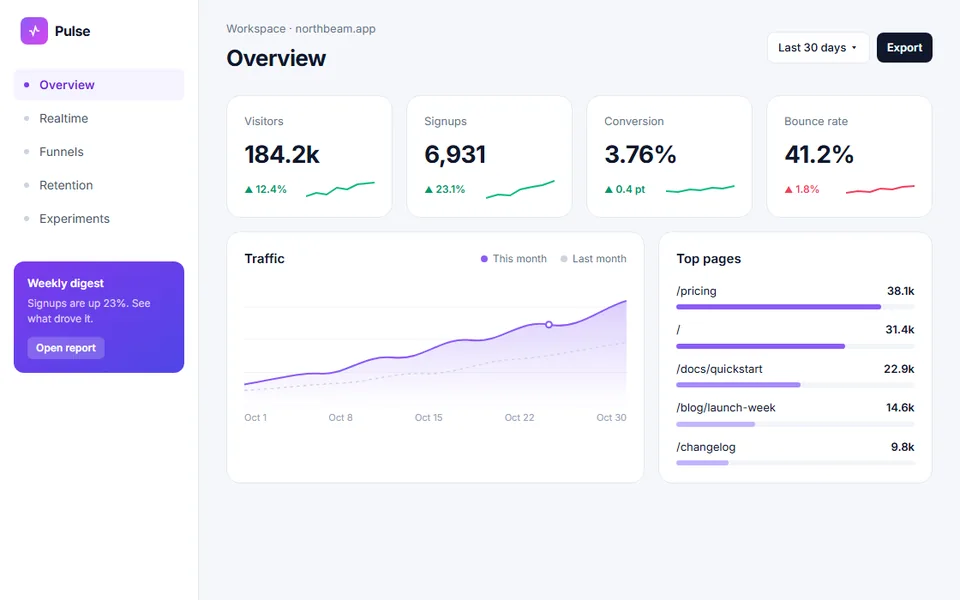
dashboard.html
 Sample
A dashboard, ready for its next feature
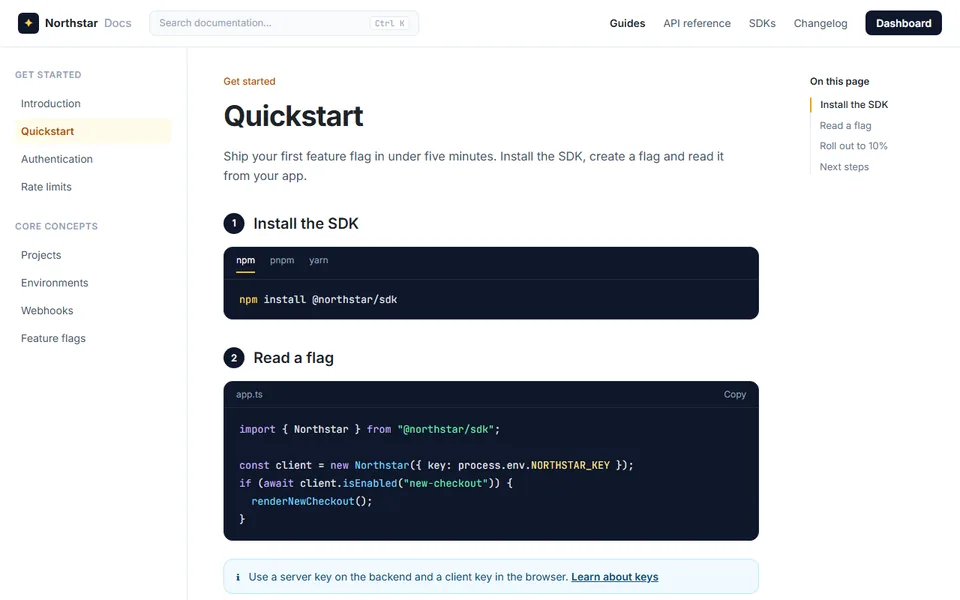
docs.html
 Sample
A docs page, ready for a new section
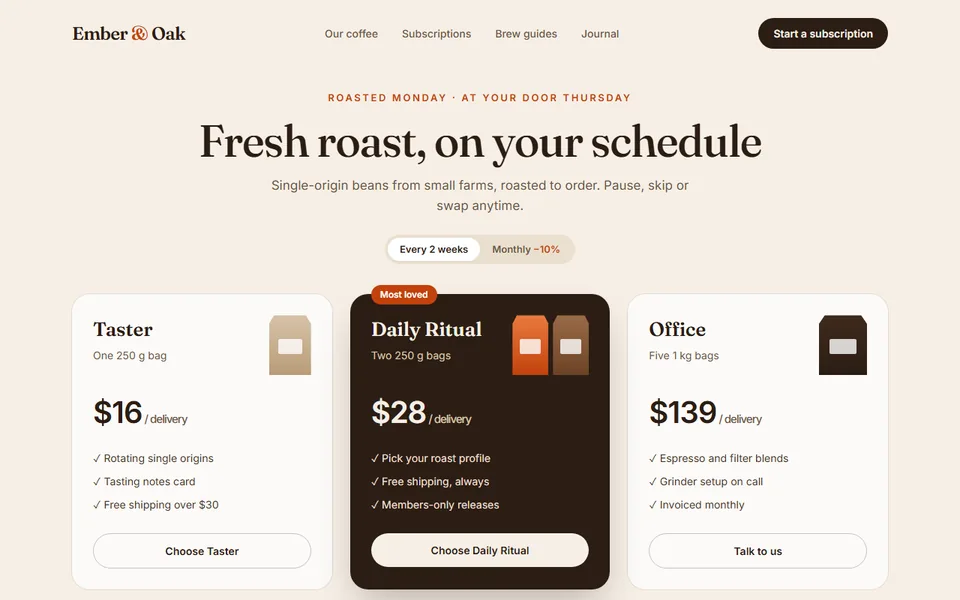
pricing.html
 Sample
A pricing page, ready for a new plan
What you get
Everything you need to keep improving your code
Code you own, a live preview and a chat to change anything.
Stack detected for you
Tailwind, React, Vue, Bootstrap and Ionic pages are recognized from their code.
Every version kept
Each change is saved as a version, so you can compare and go back at any time.
Refine it by chat
Ask for changes in plain words, or click an element in the preview and say what to change. Every change is a new version you can go back to.
Download real code
Download the files as a project or copy the code. It's yours to open in your editor and keep building on.
One complete HTML page, pasted or as an .html file up to 2 MB. Component files on their own, such as a single React file, can't be imported.
More tools
Start from something else
Every tool opens the same workspace, with the same live preview, chat and download.
Bring your code in and keep editing
Paste your HTML and describe your first change.