Screenshot to Code
Turn any screenshot into clean, working code
Drop in a screenshot of a design, an app or a website. You get a matching page in HTML, Tailwind, React, Vue or Bootstrap that you can refine by chat or download.
How it works
From screenshot to code in three steps
No setup and nothing to install. Start in your browser.
- 01
Add your screenshot
Drop, paste or browse one PNG or JPG screenshot of up to 20 MB. A full-page screenshot captures the whole page.
- 02
Pick your stack and style
Choose HTML, Tailwind, React, Vue, Bootstrap or Ionic. Match the screenshot exactly, or ask for a different look.
- 03
Generate and refine
Watch the page being written with a live preview, then refine it by chat until it's right.
The workspace
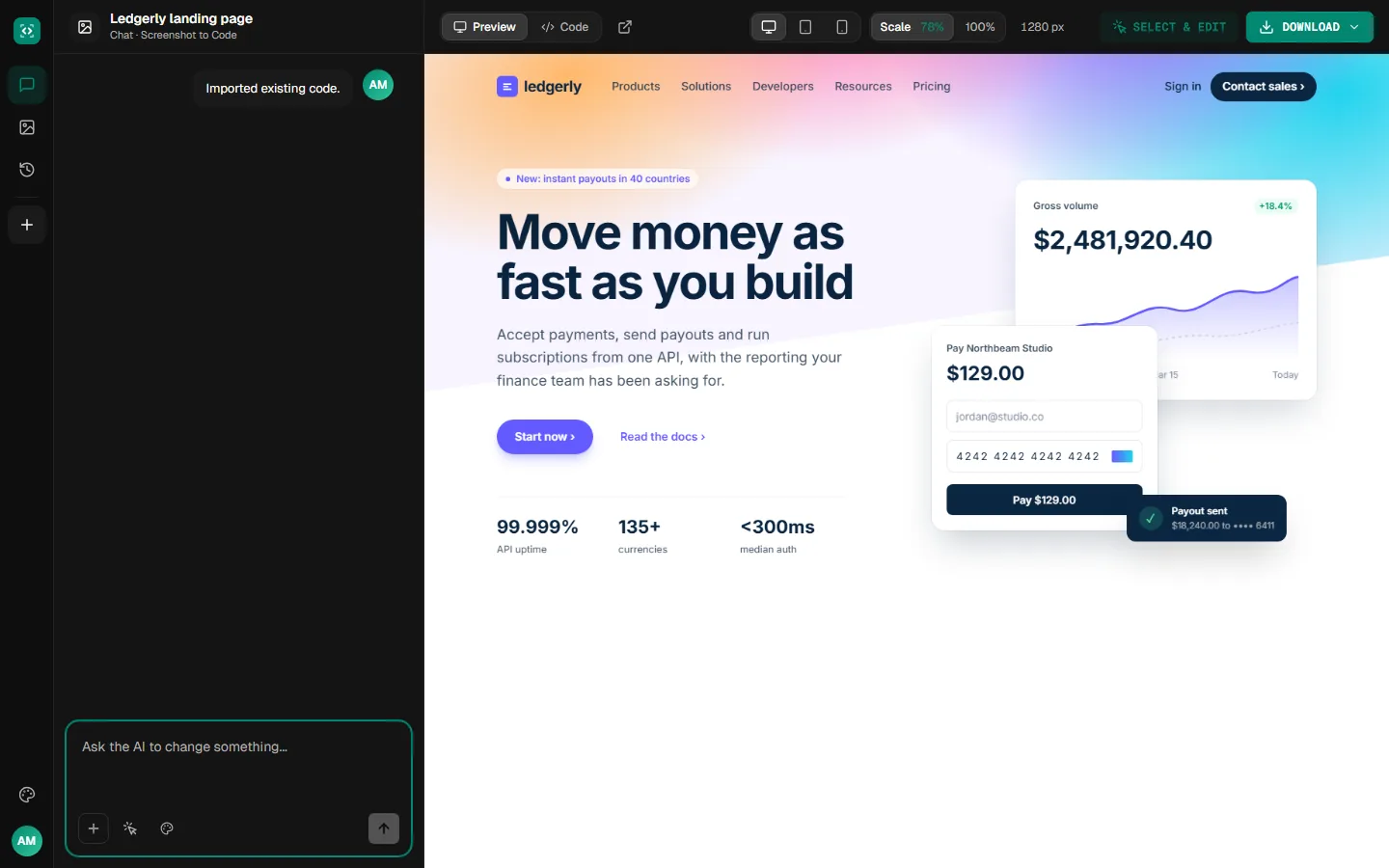
A live preview beside the chat
Your page opens in a live preview with its code a click away. Ask for changes in the chat, or click an element in the preview to edit it.
Examples
Designs you can start from
Sample pages that show the kinds of designs worth turning into code: marketing pages, dashboards and app screens.
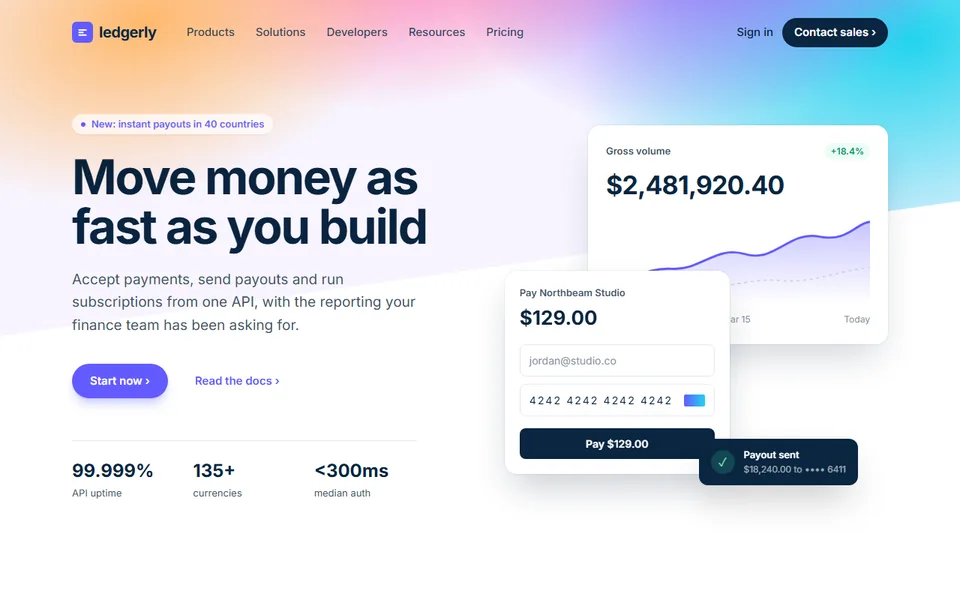
landing-page.png
 Sample
A landing page with layered product cards
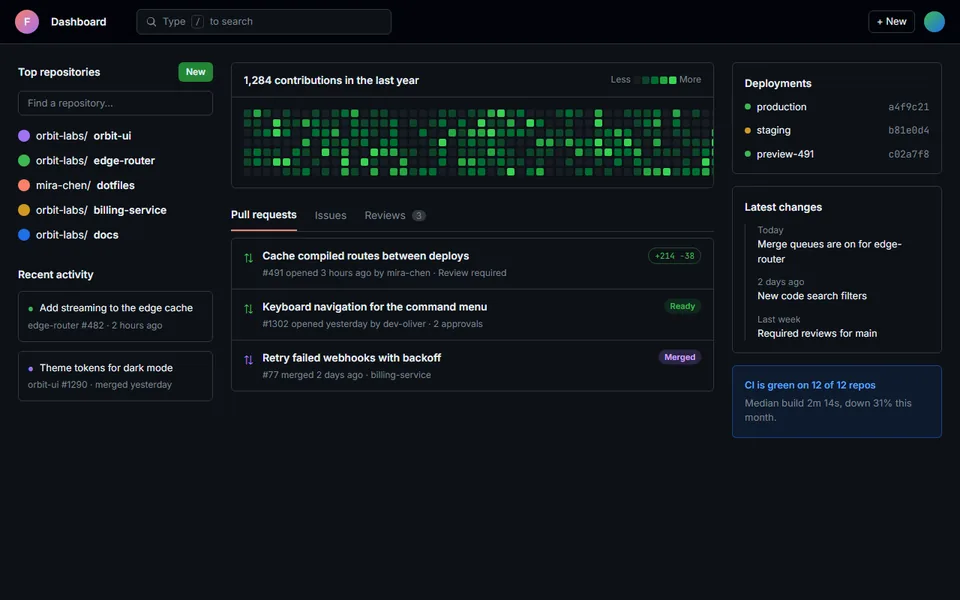
dev-dashboard.png
 Sample
A dark dashboard with a contribution graph
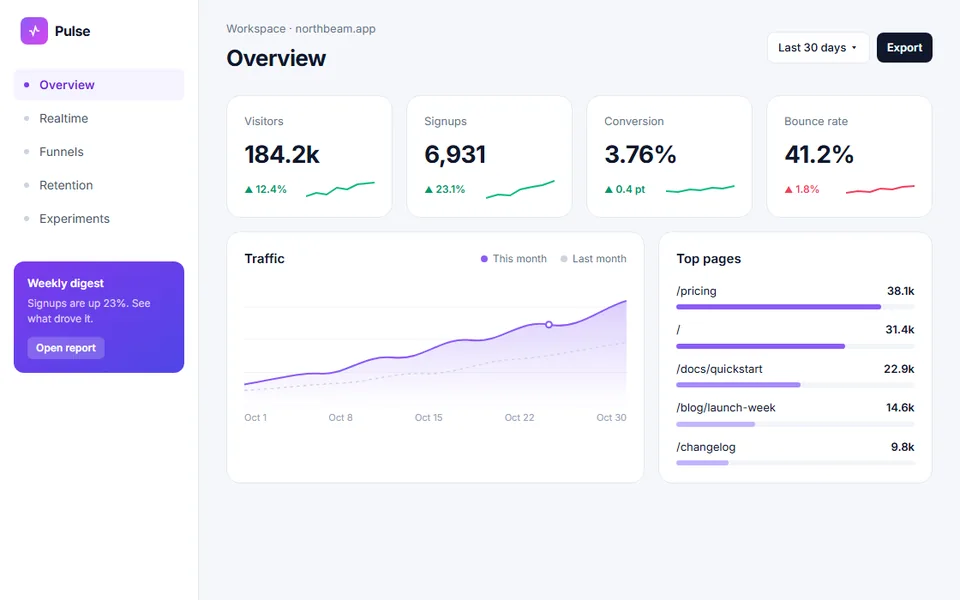
analytics.png
 Sample
An analytics overview with KPIs and a chart
What you get
Everything you need to go from image to page
Code you own, a live preview and a chat to change anything.
Your images, kept
Photos and logos are cropped from your screenshot and used in the page, so it looks like the original.
Design systems
Save your colors, type and component rules once, and every page you generate follows them.
Refine it by chat
Ask for changes in plain words, or click an element in the preview and say what to change. Every change is a new version you can go back to.
Download real code
Download the files as a project or copy the code. It's yours to open in your editor and keep building on.
Clear, full-size screenshots of a web page, an app screen or a design mockup. Crop out browser toolbars and anything that isn't part of the design.
More tools
Start from something else
Every tool opens the same workspace, with the same live preview, chat and download.
Turn your screenshot into code
Drop in a screenshot and see the first version in minutes.