Website to Code
Clone a public web page as editable code
Paste a link to a public page. Its layout, text and images are captured and rebuilt as clean code in the stack you choose, ready to edit by chat.
The page is cloned as code, with its own layout, styles, images and fonts.
How it works
From a link to editable code in three steps
No setup and nothing to install. Start in your browser.
- 01
Paste a link
Enter the address of a public web page, such as your own site before a redesign.
- 02
Pick your stack
Choose HTML with Tailwind, HTML with CSS, React or Vue.
- 03
Edit the clone
The page is rebuilt with its own layout, styles, images and fonts. Change anything by chat.
The workspace
A faithful copy, as clean code
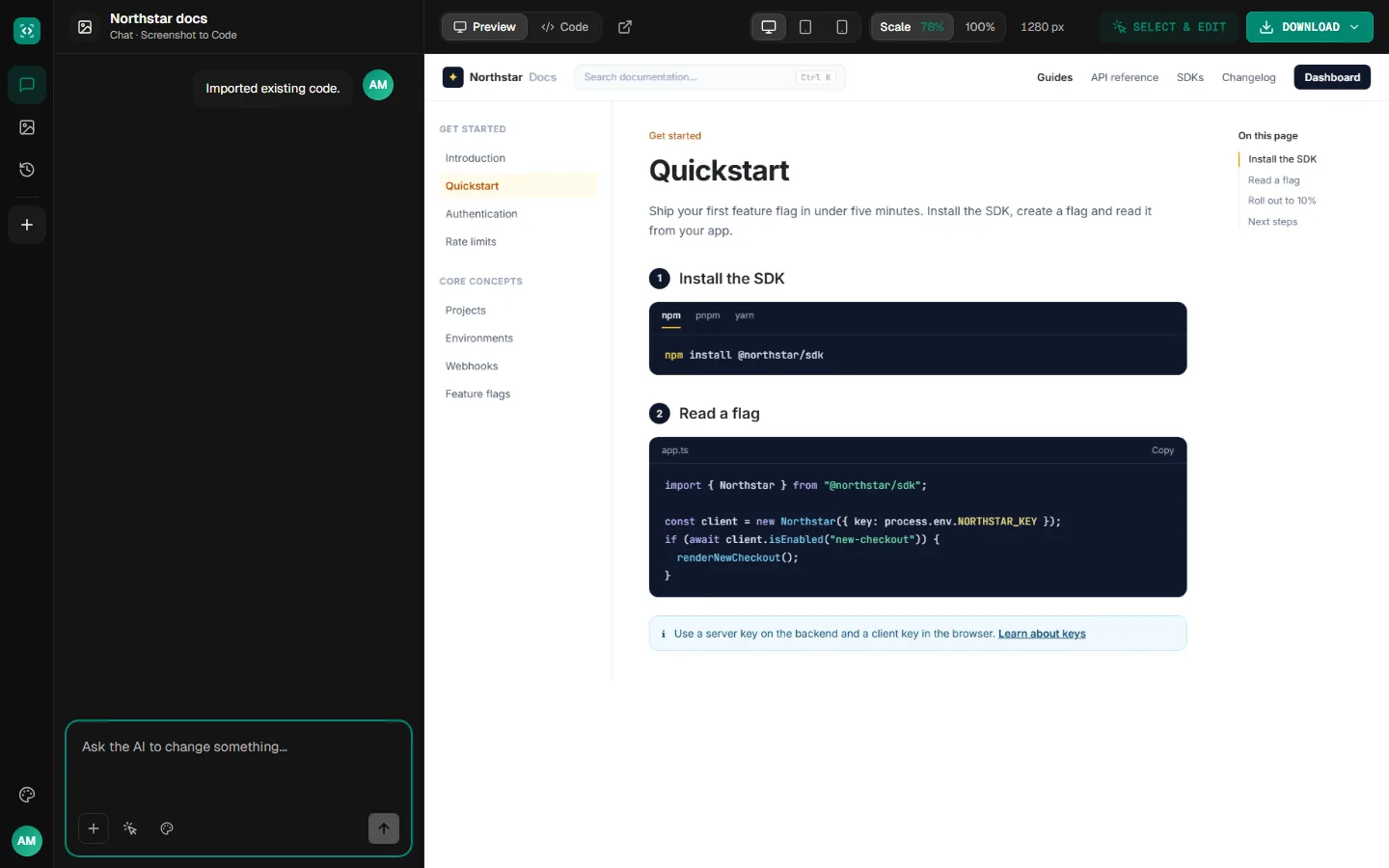
The cloned page opens in a live preview with its code a click away. Then edit it like any other project.
Examples
Pages worth cloning
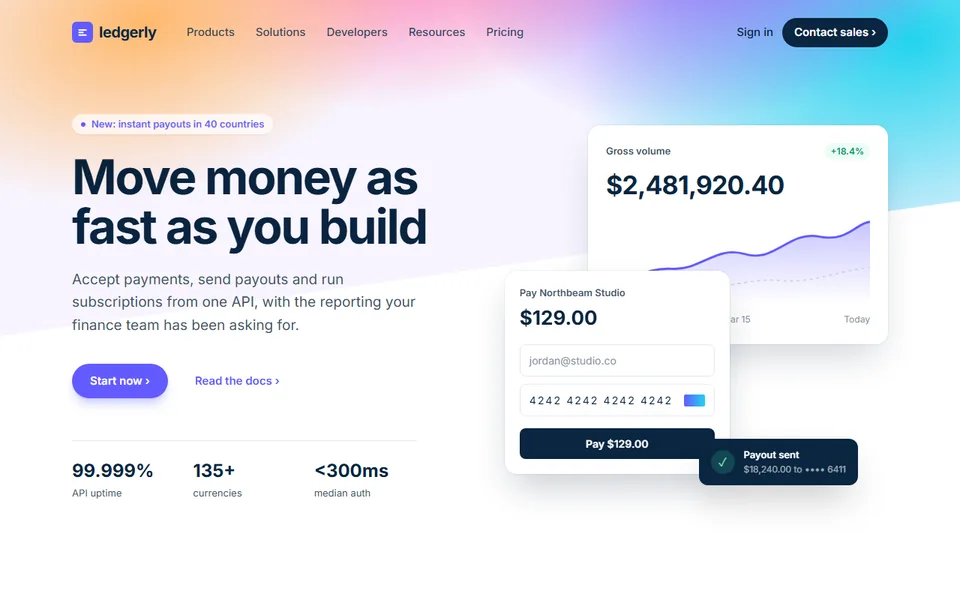
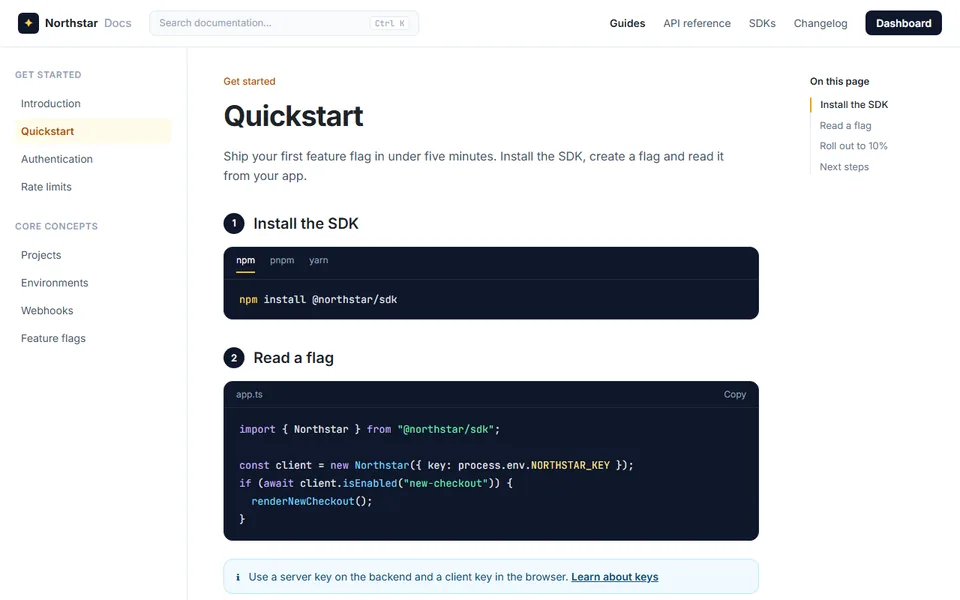
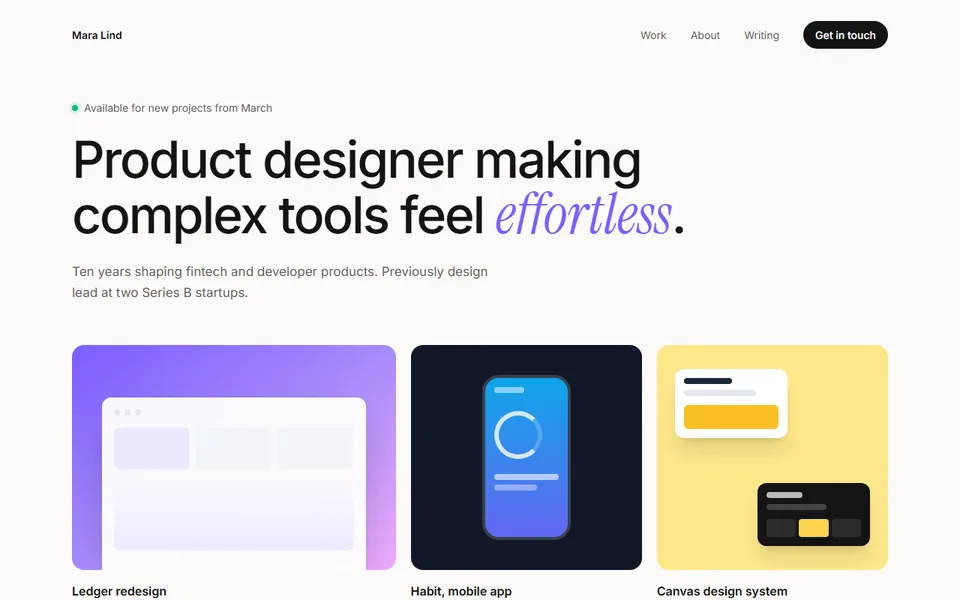
Sample pages of the kinds people bring over: a homepage before a redesign, docs and a personal site.
your-company.com
 Sample
A company homepage, ready for a redesign
docs.your-company.com
 Sample
A docs page with navigation and code
your-portfolio.com
 Sample
A personal site, ready for a refresh
What you get
Everything you need to rebuild a page
Code you own, a live preview and a chat to change anything.
Its own images and fonts
The clone keeps the page's images, fonts and styles rather than placeholders.
Clean, organized code
The page comes back as readable code in the stack you pick, not a saved copy of the original's HTML.
Refine it by chat
Ask for changes in plain words, or click an element in the preview and say what to change. Every change is a new version you can go back to.
Download real code
Download the files as a project or copy the code. It's yours to open in your editor and keep building on.
Public pages that load without signing in. Clone sites you own or have permission to use. You're responsible for how you use what you clone, including its images, text and trademarks.
More tools
Start from something else
Every tool opens the same workspace, with the same live preview, chat and download.
Clone a page as clean code
Paste a link and get an editable copy in a minute or two.