Text to Code
Describe a page and get its code
Write what you want in plain words, like a pricing page for a coffee subscription. You get a complete, responsive page that you can keep shaping by chat.
How it works
From an idea to a page in three steps
No setup and nothing to install. Start in your browser.
- 01
Describe the page
Say what it's for, which sections it needs and how it should feel. A sentence is enough to start.
- 02
Pick your stack and style
Choose HTML, Tailwind, React, Vue, Bootstrap or Ionic, and a style such as minimal, bold or playful.
- 03
Generate and refine
Get a complete, responsive page with a live preview, then keep shaping it by chat.
The workspace
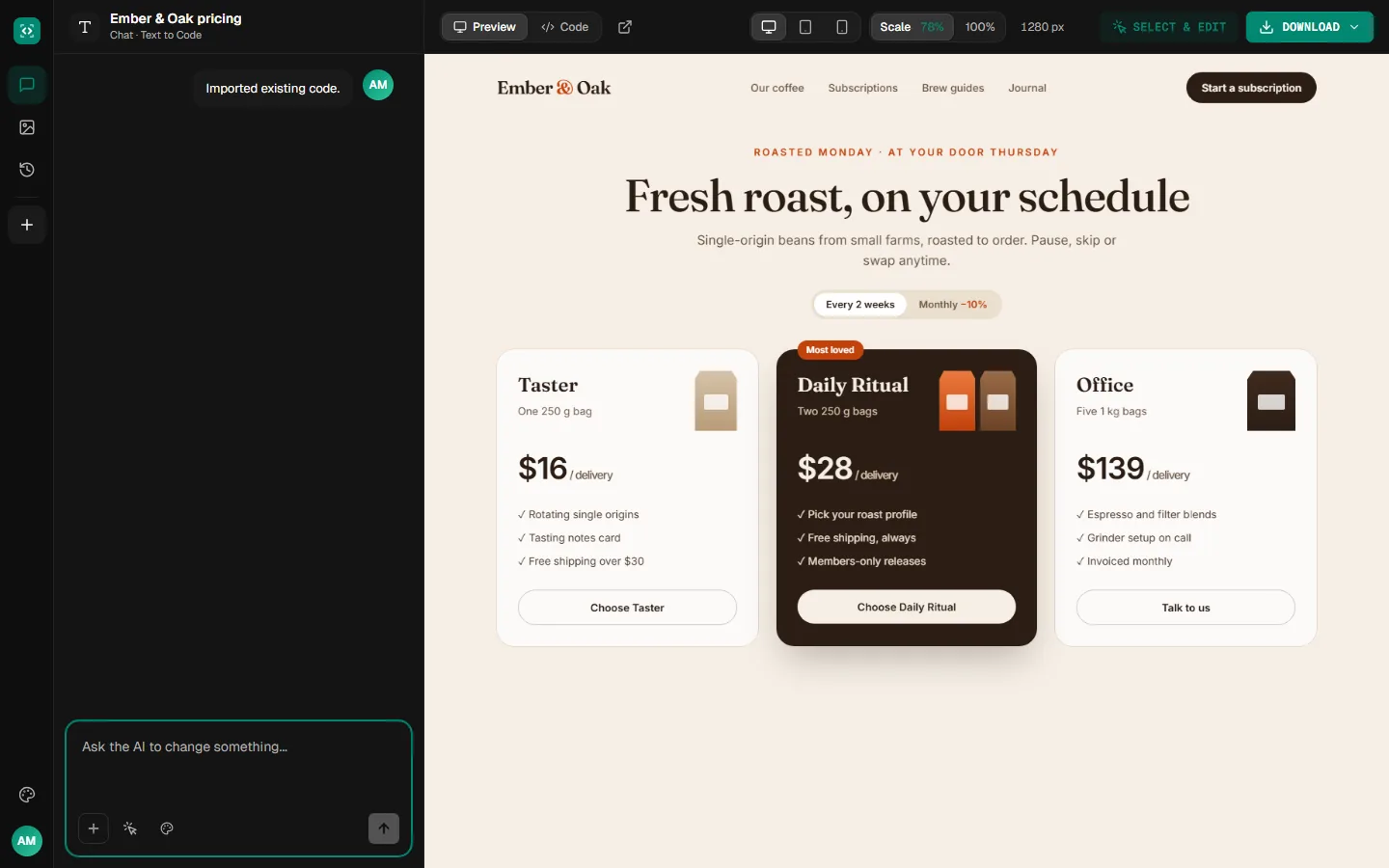
Watch your words become a page
The page appears in a live preview with its code a click away, and the chat is right beside it for the next change.
Examples
Ideas worth describing
Sample prompts with sample pages that show what a single sentence can describe.
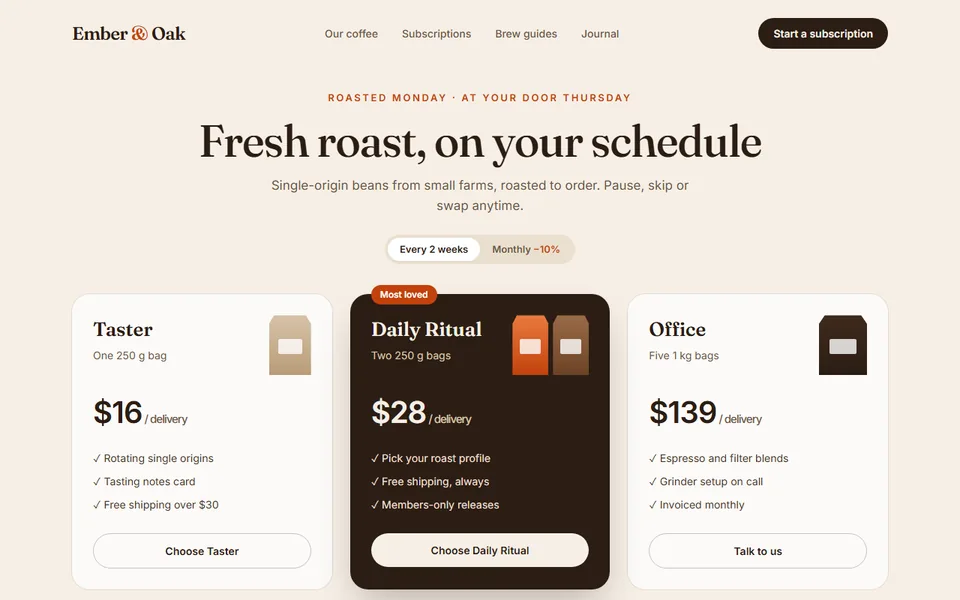
“A pricing page for a coffee subscription with three plans and an FAQ”
 Sample
A warm pricing page with three plans
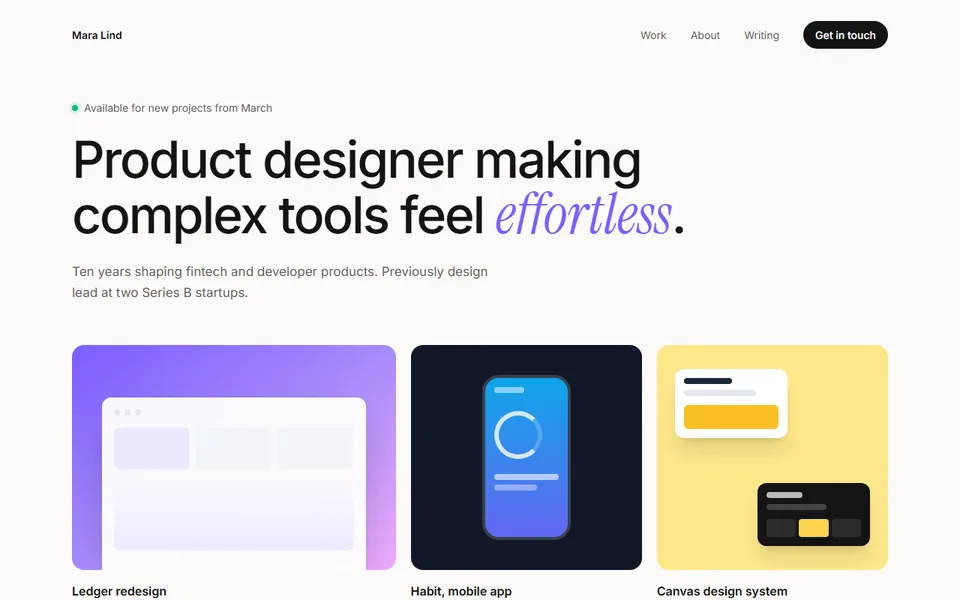
“A portfolio for a product designer with case studies and a contact form”
 Sample
A portfolio with case study cards
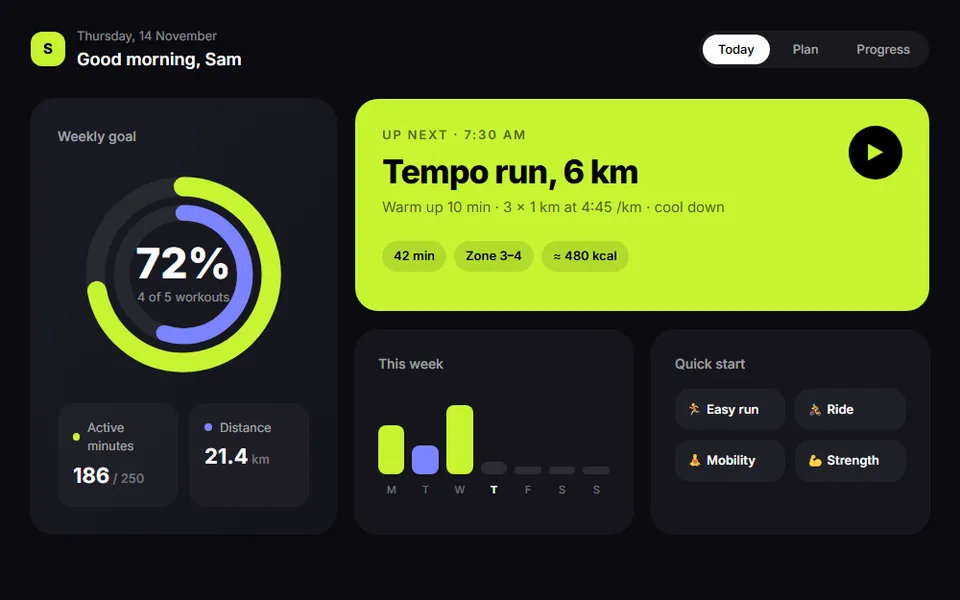
“A fitness app dashboard with a weekly plan and a progress ring”
 Sample
An app dashboard with a progress ring
What you get
Everything you need to go from words to page
Code you own, a live preview and a chat to change anything.
Styles to start from
Pick modern, minimal, bold, playful or corporate, or describe the look yourself.
Design systems
Save your colors, type and component rules once, and every page you generate follows them.
Refine it by chat
Ask for changes in plain words, or click an element in the preview and say what to change. Every change is a new version you can go back to.
Download real code
Download the files as a project or copy the code. It's yours to open in your editor and keep building on.
A sentence is enough to start. The more you say about the sections, content and feel, the closer the first version will be.
More tools
Start from something else
Every tool opens the same workspace, with the same live preview, chat and download.
Describe your page and get its code
Write one sentence and see the first version in minutes.